Browse & search docs
The command palette
Press ⌘K (or Ctrl K on Windows and Linux) to open the command palette. It fuzzy-searches every operation LoreGUI exposes — branch, merge, commit, lock, revert, and more — and is the fastest path to any action.
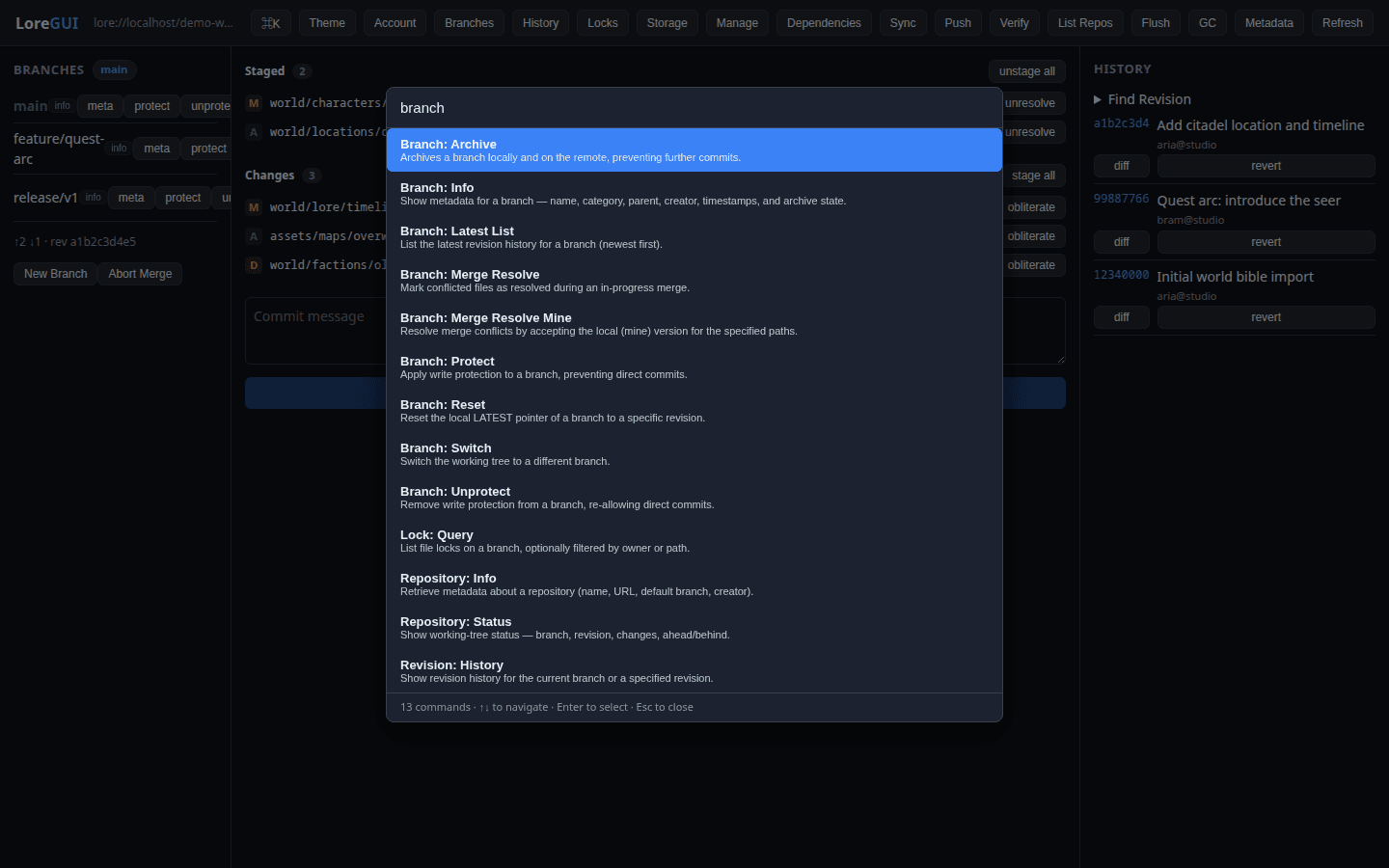
Run anything
The palette is the universal surface: every operation in the app is reachable here, even the rare power-user ones that don't have a dedicated panel. Each operation is described by a small manifest — its label, a one-line description, and its arguments — and the palette renders a form from that manifest:
- Open the palette with
⌘K/Ctrl K. - Type to fuzzy-search by label, id, or keywords.
- Select an operation; the palette generates a form for its arguments.
- Fill it in and submit (forms submit on Enter); the result renders inline.
Press Esc to dismiss the palette at any time.
One source of truth
The palette manifests are the single source of truth for what each operation is called and what it takes. The same manifests generate:
- the lore-mcp tool catalog, so AI agents and the app stay in lock-step, and
- this site's operation reference, so the docs track the real API automatically.
When to use a panel instead
The palette runs any operation, but for daily workflows a rich panel is usually nicer — a panel groups an entire domain (branches, history, locks, storage…) with the context and row actions that a single form can't show. Reach for the palette for one-off or power-user operations, and for everything when you'd rather keep your hands on the keyboard.
For the complete list of operations, see the operation reference.